
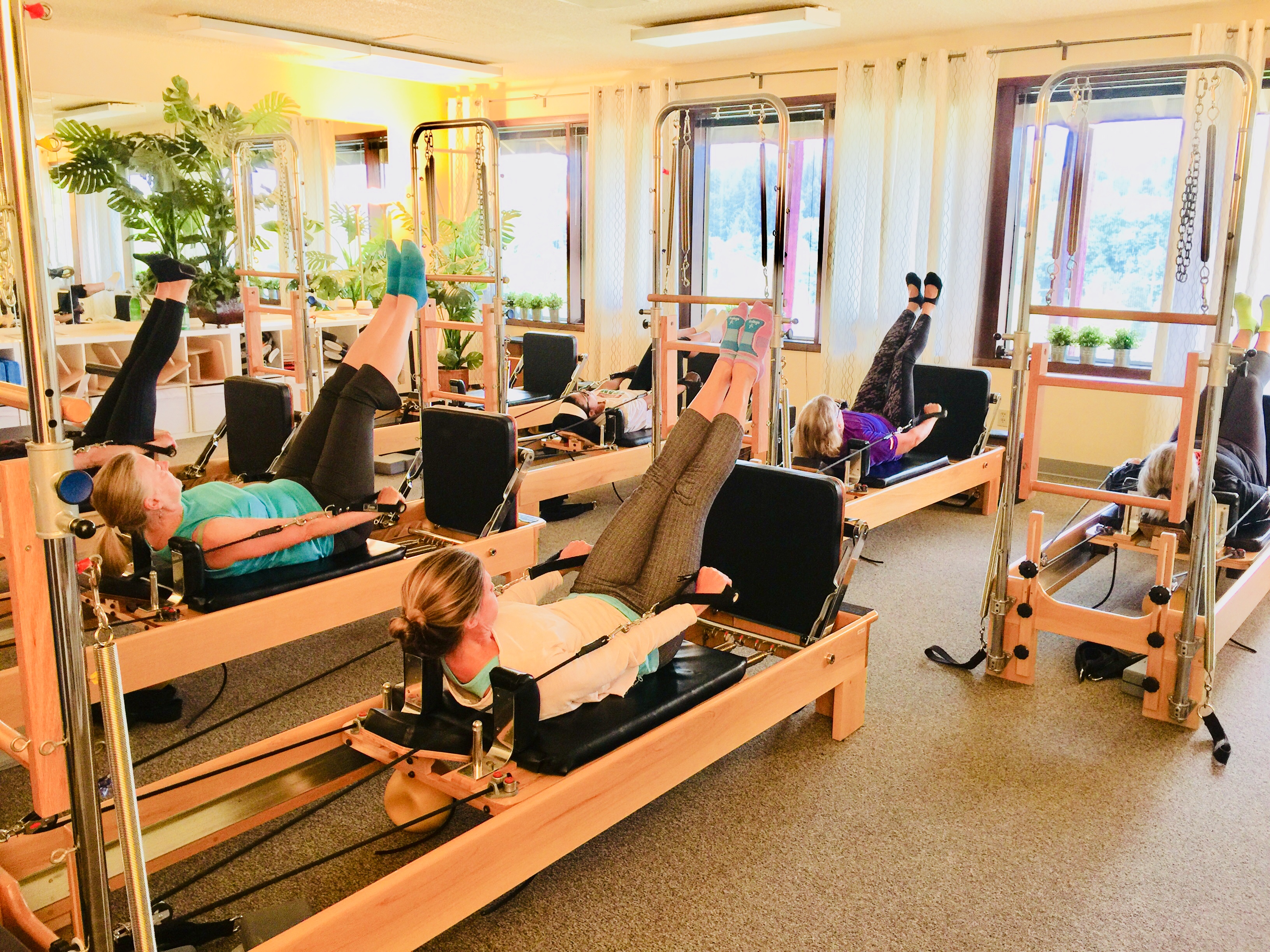
It’s a little convoluted, my apologies on that. You can also CALL the college at 971-722-8222
Step 1: create a Portland Community College account here: https://www.pcc.edu/schedule/register/apply/
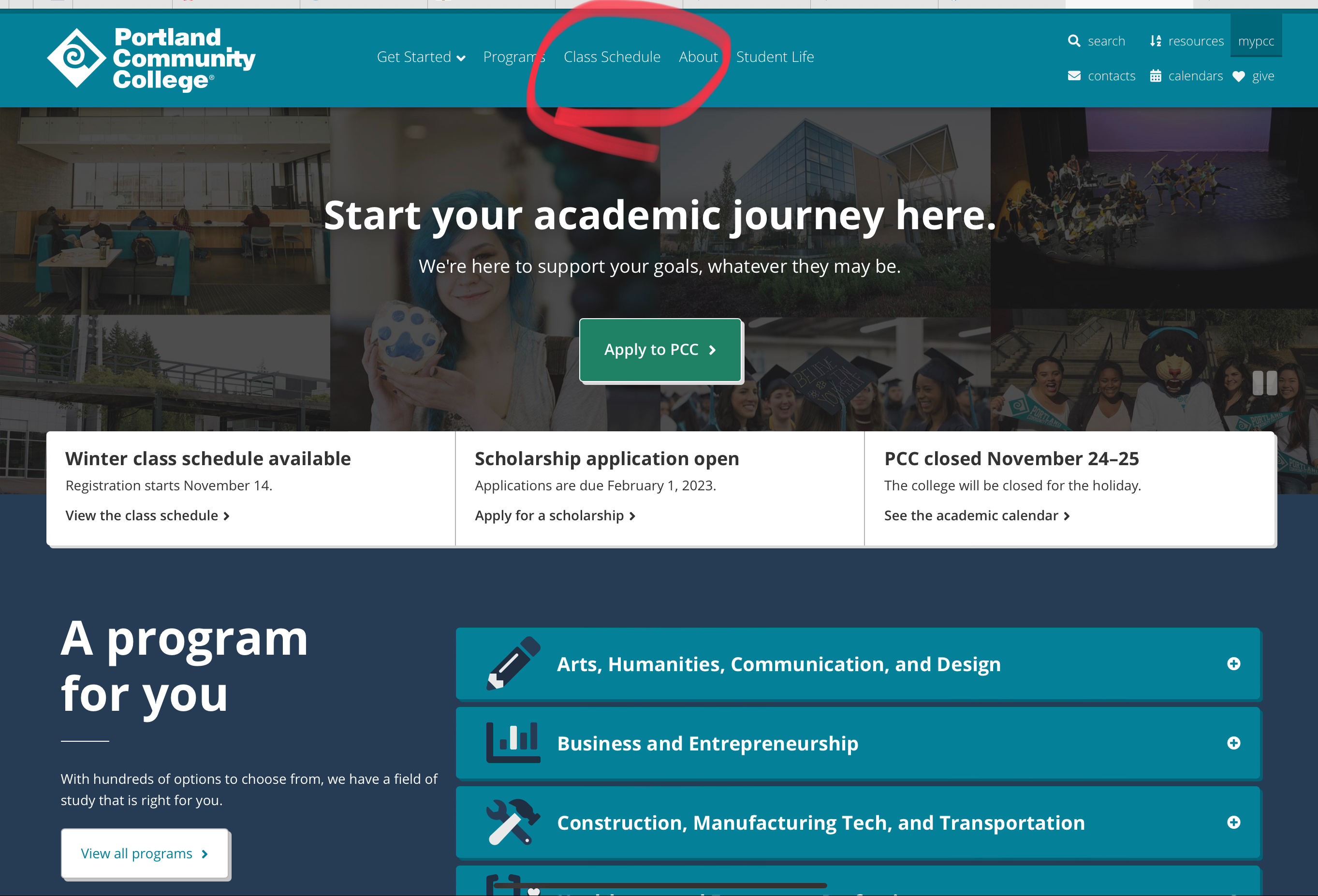
Step 2: go to the PCC main page and click on CLASS SCHEDULE at the top of the page
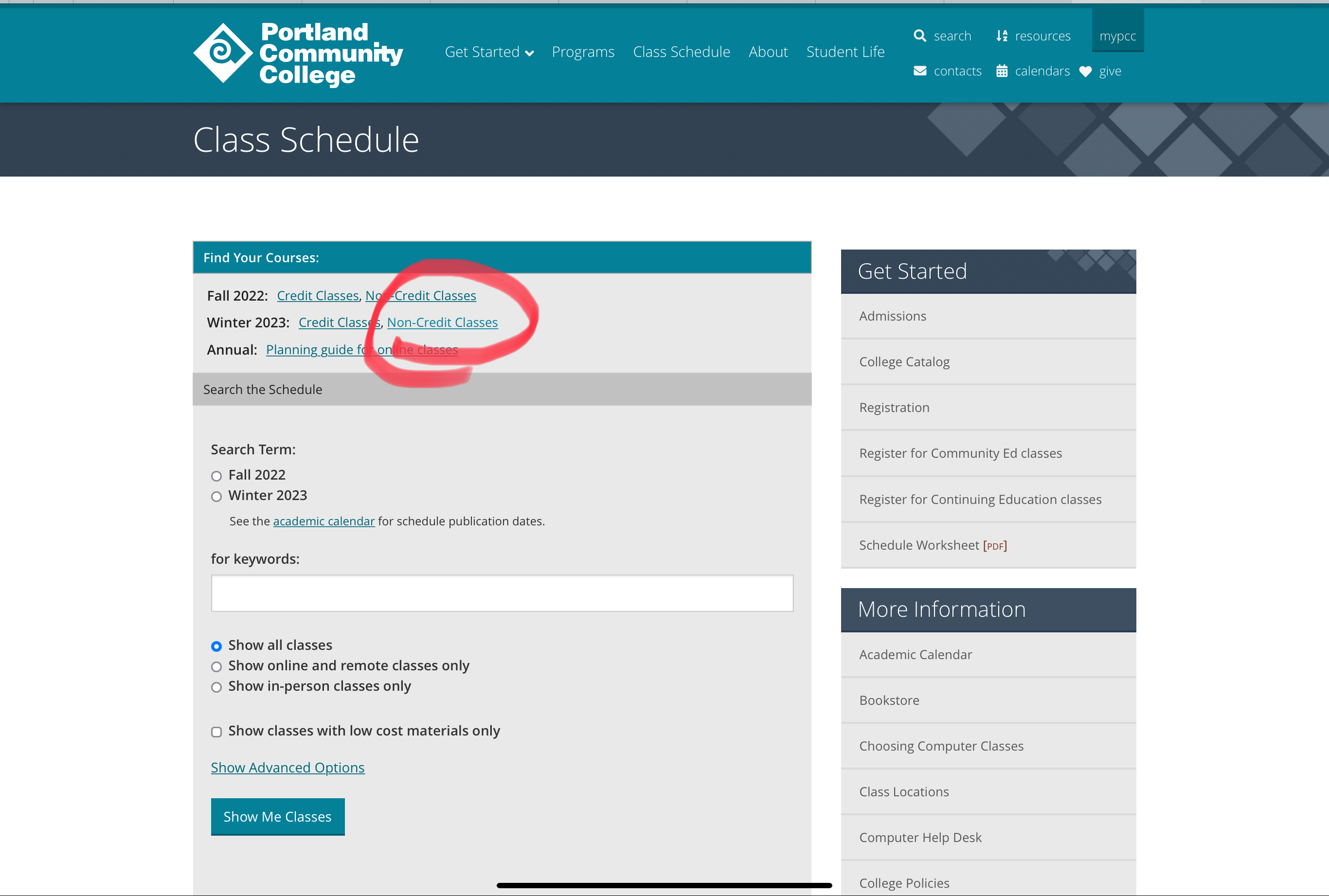
Step 3: Click on your semester and NON-CREDIT CLASSES
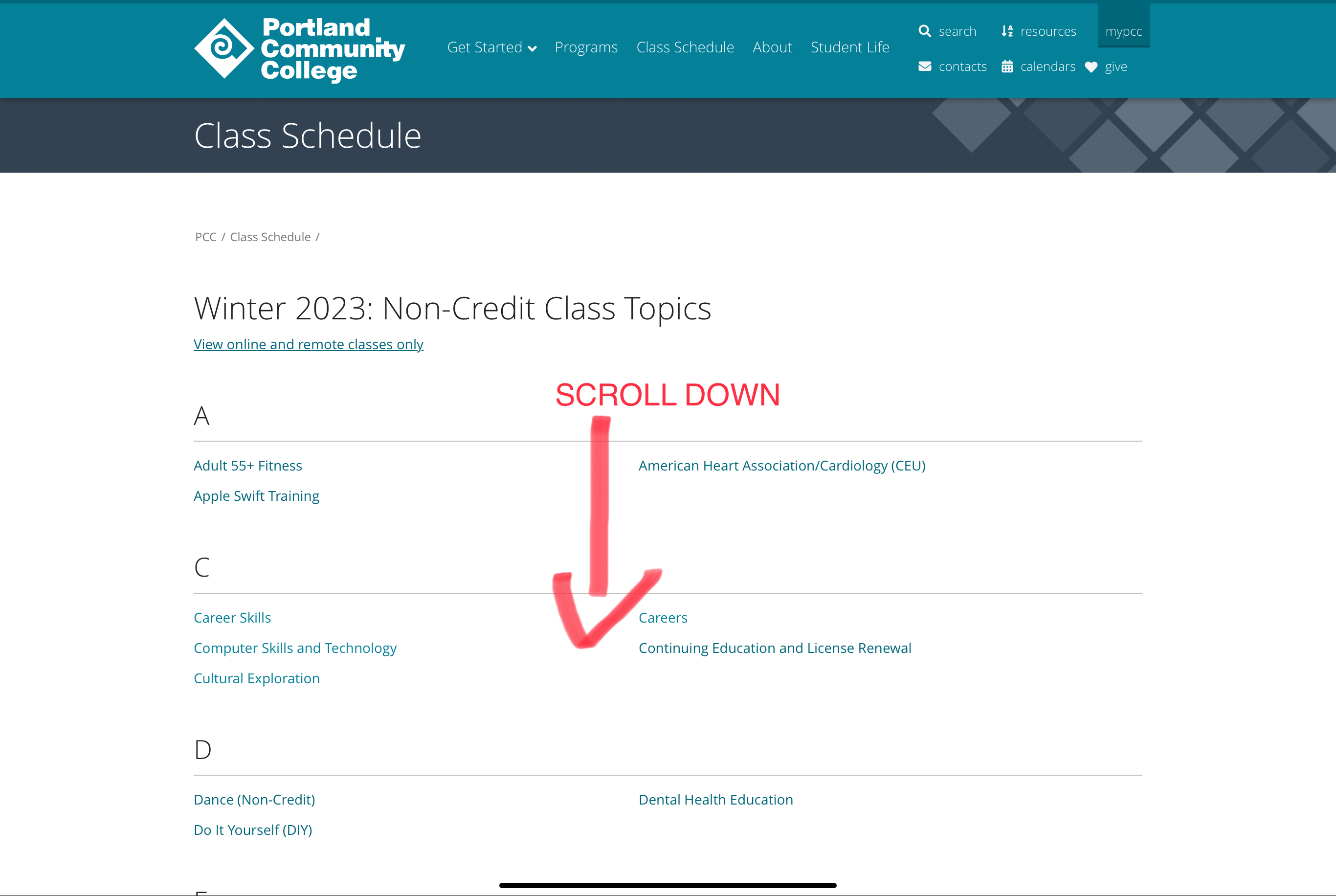
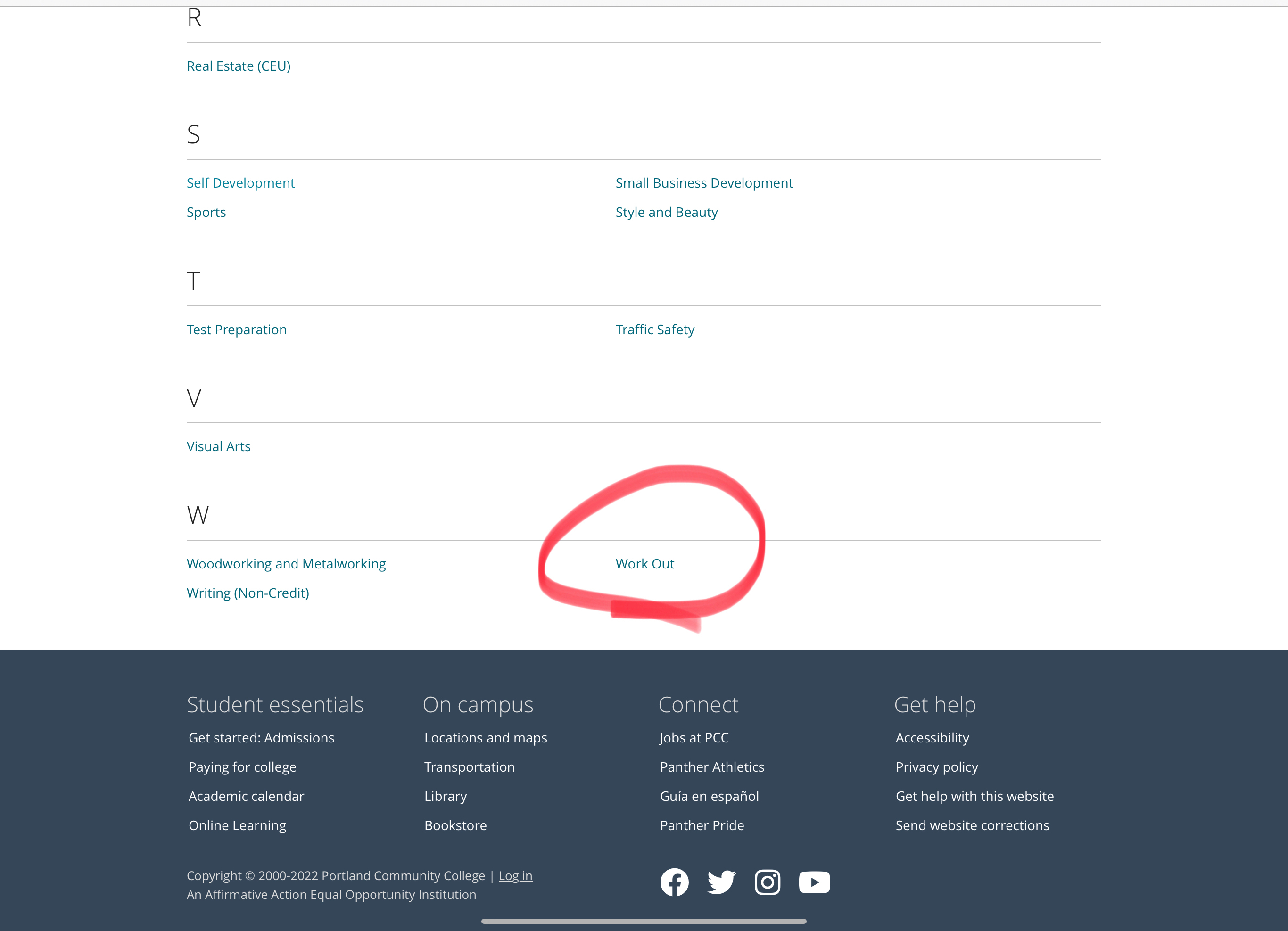
Step 4: scroll down until you see WORK OUT — click on that!
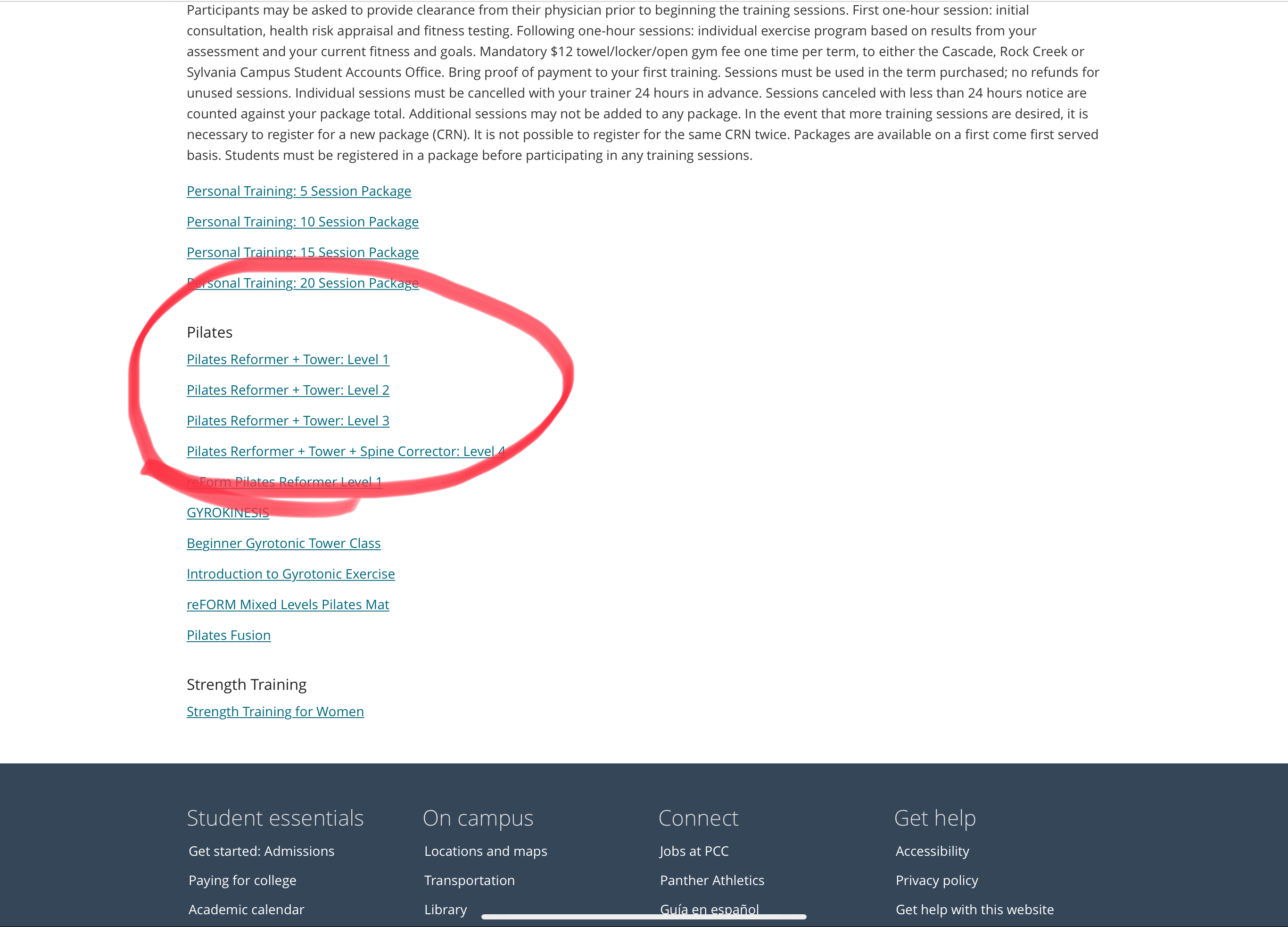
Step 5: choose the Level of class you want to see. Newbies: please choose Level 1. Folks with Pilates experience are ok to choose a higher level.
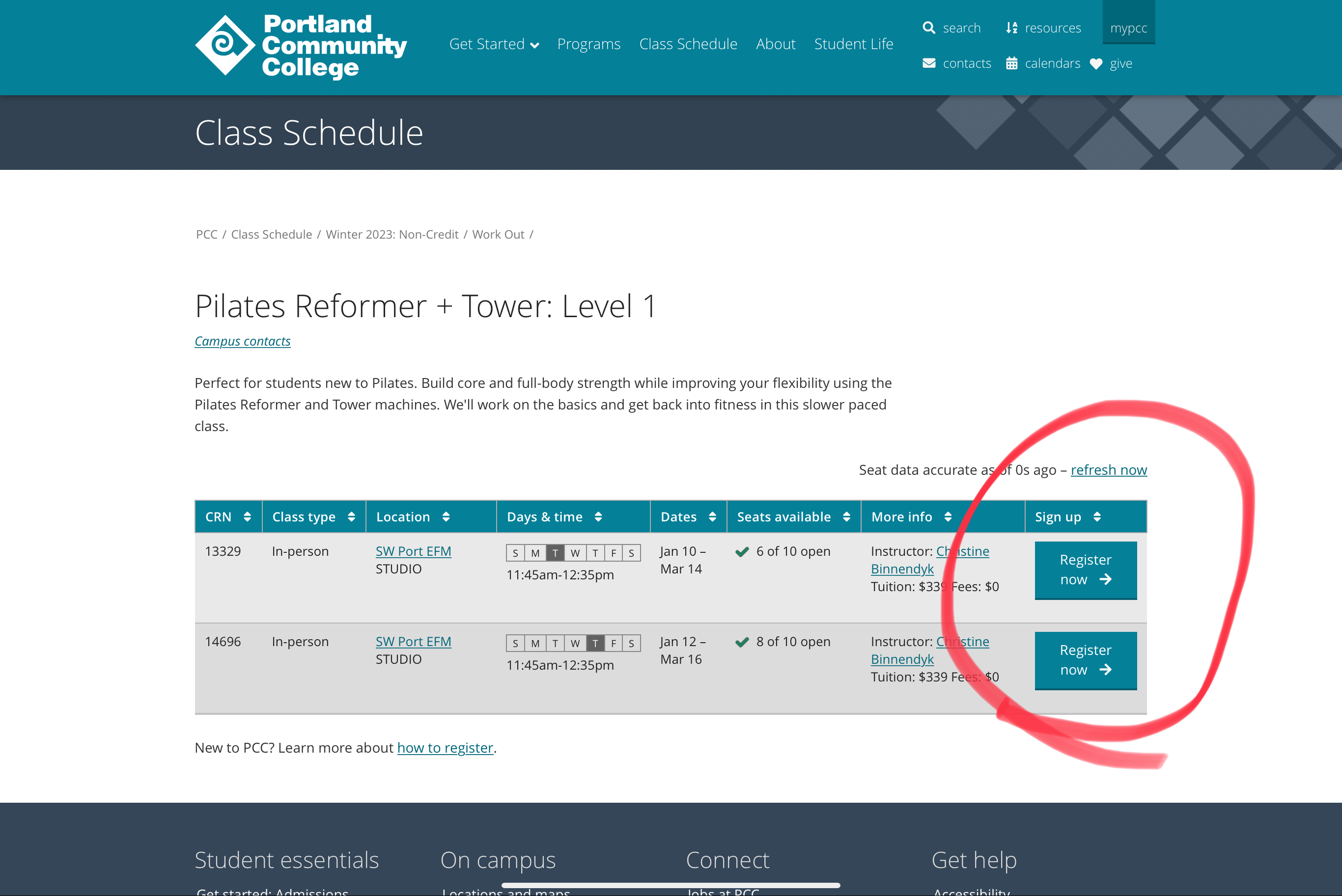
Step 6: aaaand, you’re finally at a spot where you can choose your class day/time and hit register!
 EFFORTLESS MOVEMENT